 Liyaa Note
Your whole course, in one place.
Private notes, the course Library, class chat and shared memories, together in one app. When the course ends, your class stays connected.
Free to join. Android now · Google Play and iPhone coming.
 Liyaa Note
Private notes, the course Library, class chat and shared memories, together in one app. When the course ends, your class stays connected.
Free to join. Android now · Google Play and iPhone coming.
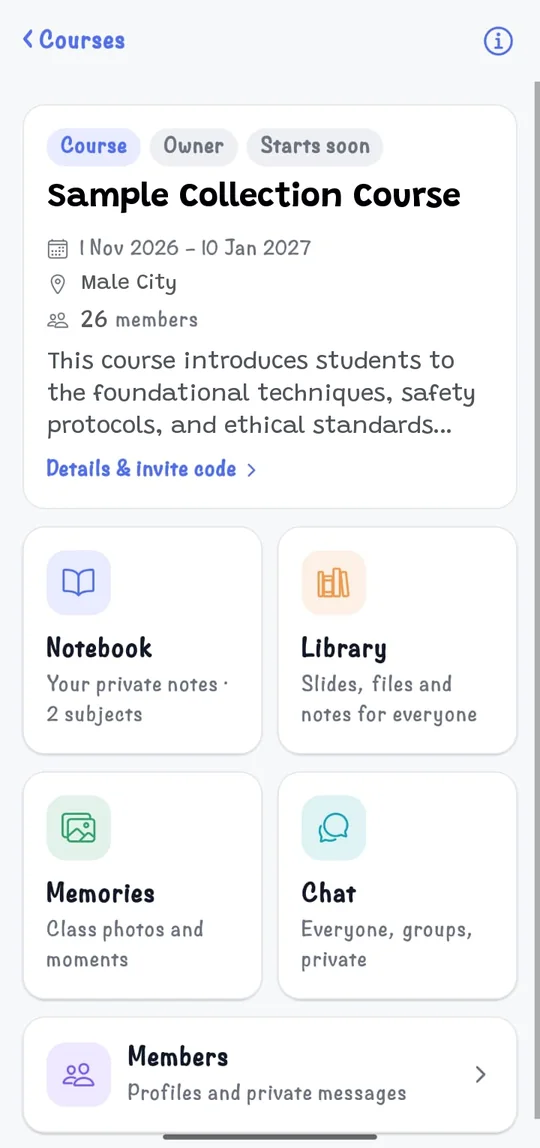
Built for training programs and classes where notes, slides and chats usually end up scattered across WhatsApp groups and drives.
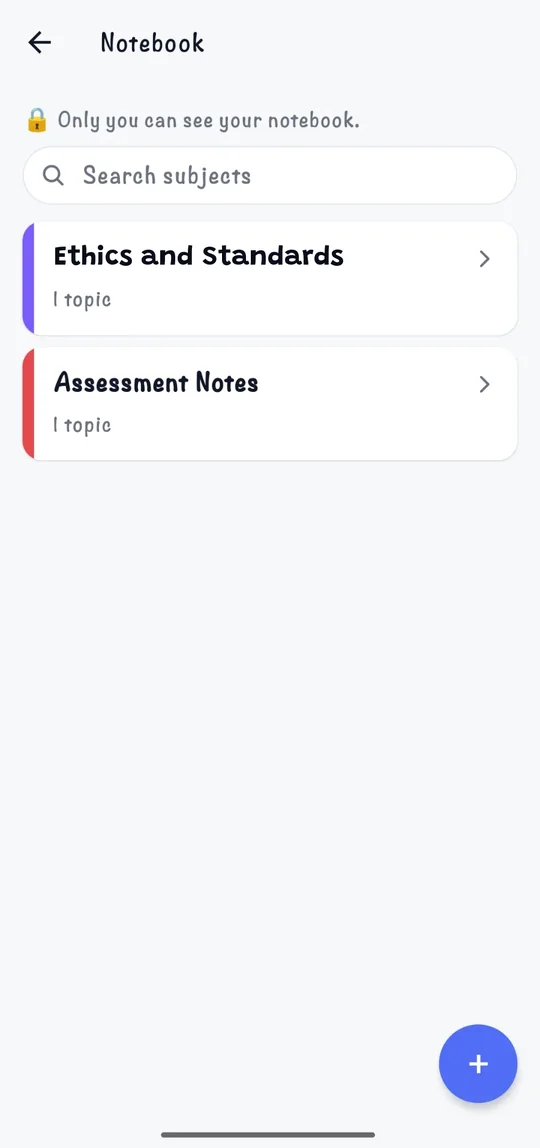
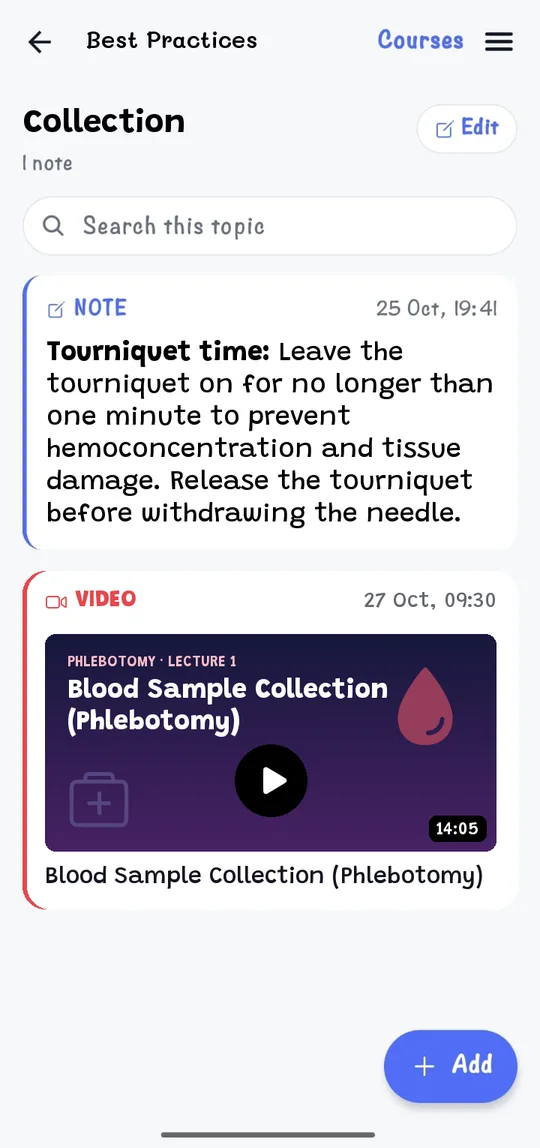
Subjects and topics with notes, audio, photos, video, documents, links, tasks and reminders. Only you can see it. Works offline.
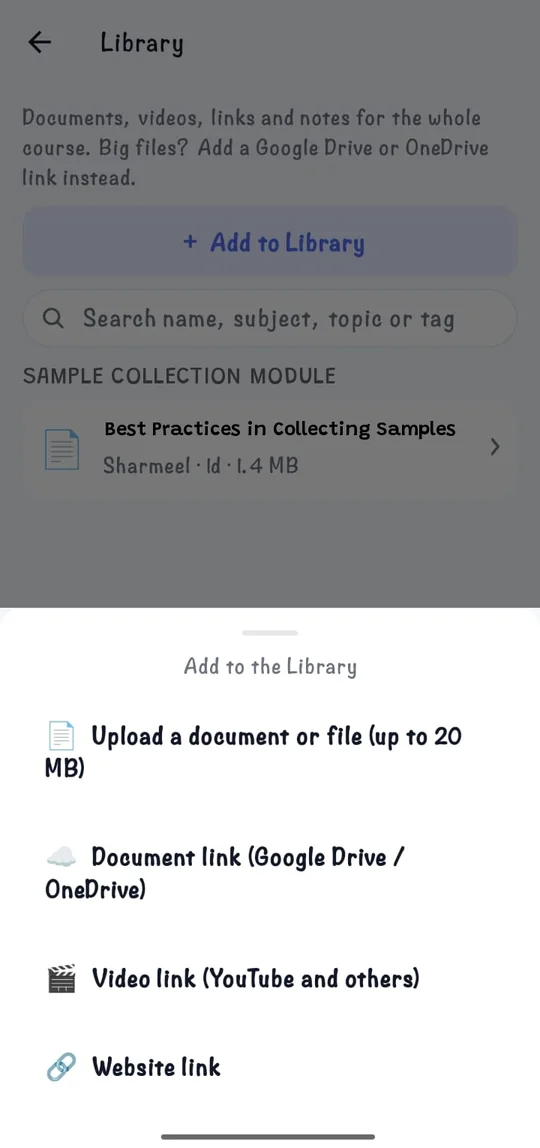
Slides, handouts, videos and links for everyone, sorted by subject and topic with tags. Find anything with search.
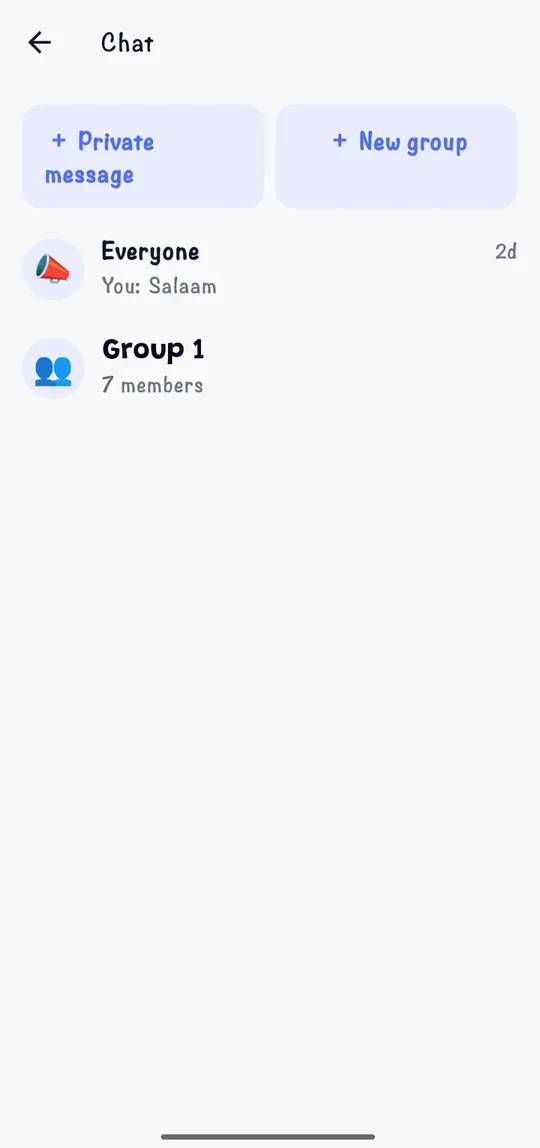
Everyone, small groups and private messages. Share notes and files and @tag classmates, all inside the course.
Class photos with a built-in editor, comments and fun marks like ⭐ Star, 🎓 Proud and 🔥 Legend.
Sound and vibration for tags, messages and new material. Mute any chat or a whole course.
When a course ends it becomes your class: chat and Memories stay open so classmates keep in touch.
Swipe through the app. Notes can be written in any language, including Dhivehi.
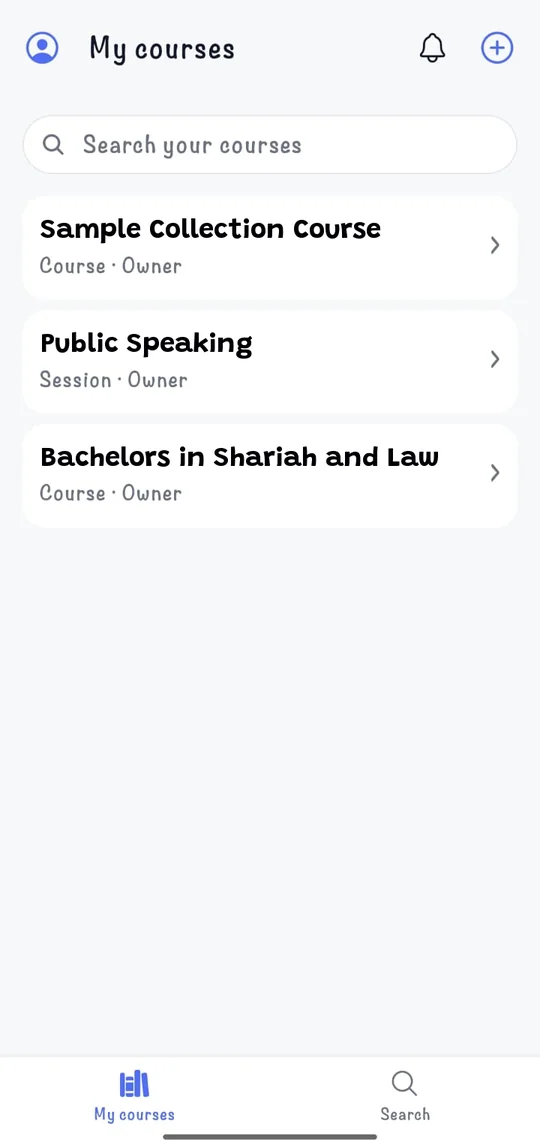
Anyone can start a course, whether you're the trainer or a student organising the class.
Name, dates and place. Your course gets its own invite code.
Send it on WhatsApp or show the QR code. It helps classmates install the app and join.
Approve who joins, put the slides in the Library, and keep the class in one chat.
Safe by design: owners approve members, anyone can report misuse, and the community rules apply to everyone.
Android phones. The install guide walks you through each step. It takes about 2 minutes.
Yes. Joining a course is free, and so is your notebook.
Not yet. Liyaa Note is Android-only for now. An iPhone version is planned.
Liyaa Note isn't on Google Play yet, so Android asks you to allow the install. The install guide shows exactly what to tap. Once it's on Google Play this step goes away.
Only you. Your notebook stays on your phone, with an optional private backup. What you share in a course is seen only by that course's members. See the privacy policy.
Sign in on the new phone: your courses, chats and Memories are there, and your notes come back from your backup. Recordings and files can be moved with a backup file saved to your own Google Drive or OneDrive.
In the app: Profile & Settings → Delete my account. Or see how to delete your account.